

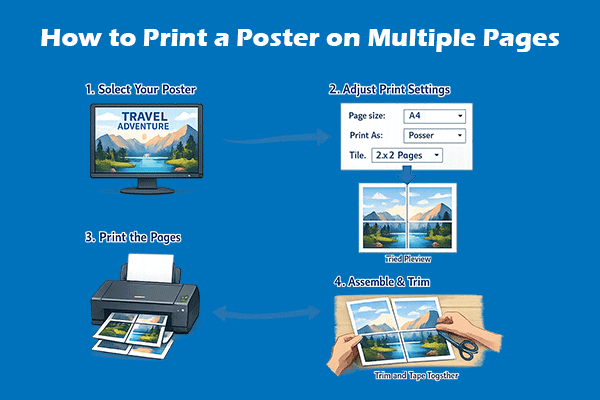
3 Methods to Print a Large Image on Multiple Pages
This post shows you how to print a poster on multiple pages using Microsoft Paint, MiniTool PDF Editor, and Adobe Acrobat.
By Linda
This post shows you how to print a poster on multiple pages using Microsoft Paint, MiniTool PDF Editor, and Adobe Acrobat.
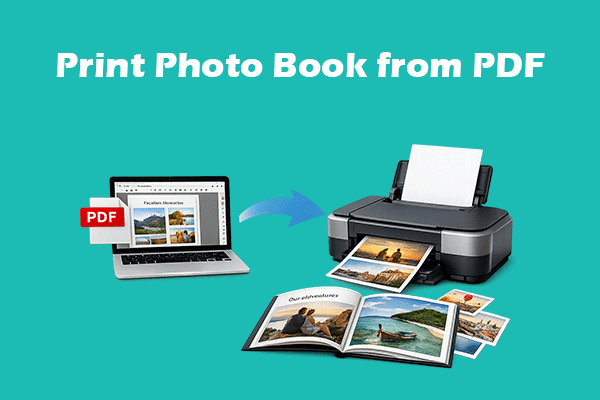
This post shows you how to print a photo book from a PDF in detail and offers tips about photo paper selection and printing size selection.
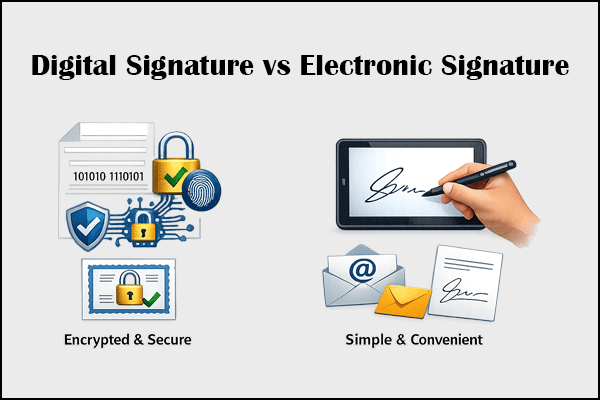
This post introduces digital signature, electronic signature, and their differences. It also shows you how to add a digital or electronic signature in a PDF.
This post shows you how to add a signature in a Word file using Word and PDF editing software. The latter requires you to save Word as PDF first.
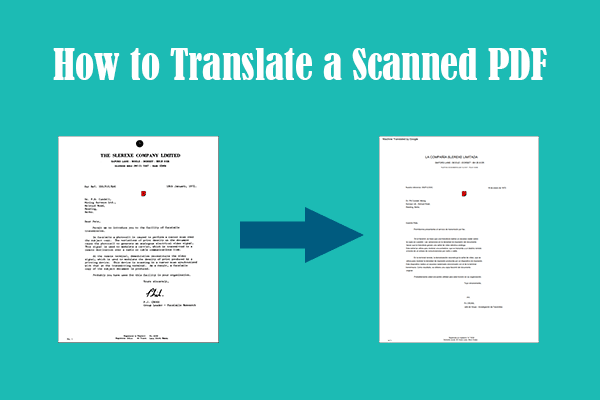
This post introduces 3 methods to translate scanned PDF to English or any other language. Each of them is explained in detail.
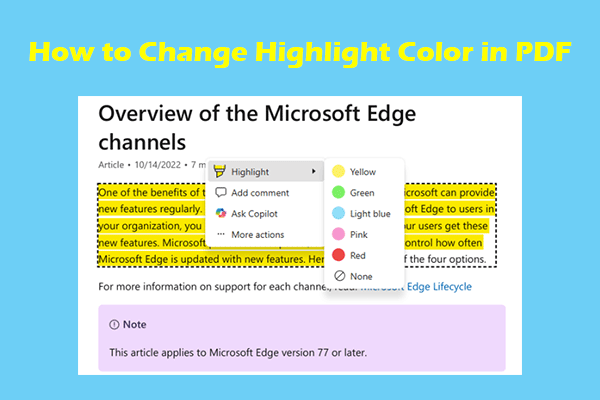
This post explains why to change the highlight color in PDF and shows how to do that using MiniTool PDF Editor, Adobe Acrobat, Microsoft Edge, and online tools.
Learn how to convert images, such as JPG or PNG, to PDF files under a specific size, from 100KB up to several megabytes.
This post tells you why to convert a bank statement PDF to Excel and shows you how to do that using 4 methods.
This post shows how to scan multiple pages into one PDF directly via a scanner or mobile phone and provides an alternative method.
This post shows you how to save ChatGPT conversations as a PDF in 3 methods and modify this PDF using MiniTool PDF Editor.
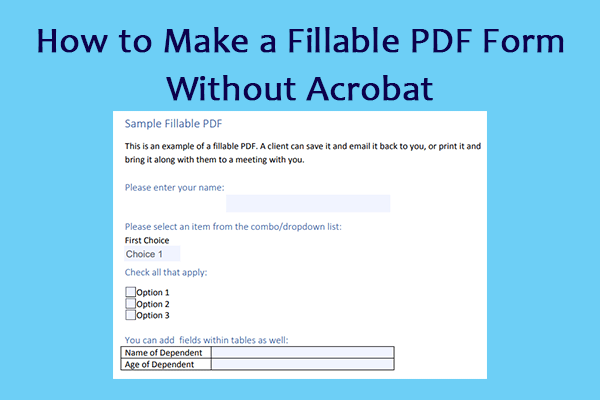
This post shows you how to add fillable fields in PDF or convert a PDF to a fillable form without Adobe Acrobat in 6 methods.
This post shows you how to save or convert a resume to PDF using Microsoft Word, Google Docs, Canva, and MiniTool PDF Editor.