
Want to Convert Markdown to HTML? Try These Ways
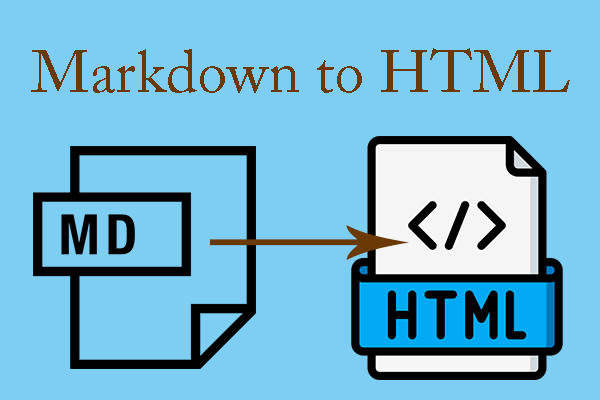
This post introduces markdown and HTML file formats. It also shows you how to convert markdown to HTML in 4 ways.
By Linda / Published
MiniTool PDF Editor is one of the best choice to create, edit, convert, sign and share PDF files. Learn the tips and tricks here to edit PDF files easily.
This post introduces markdown and HTML file formats. It also shows you how to convert markdown to HTML in 4 ways.
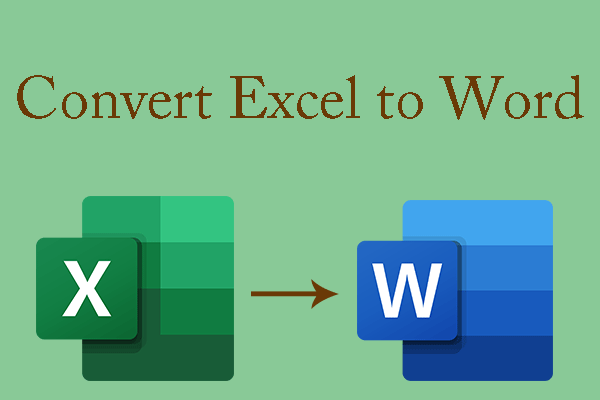
This post offers you 5 ways to convert or insert Excel tables into a Word file. If you have this need, you can try them.
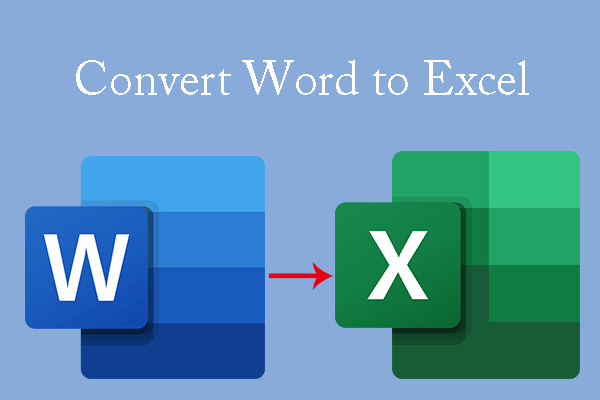
This post tells you why you need to convert Word to Excel and shows you how to do that in 5 simple ways. Just have a try.
This post shows you how to convert files from Excel to HTML. If you are interested in this topic, you can keep an eye on this post.
This post offers a step-by-step guide on Adobe compare PDF and an alternative to Adobe. Follow it if you want to compare PDFs.
If you want to convert your file from CSV to HTML, read this post. It tells how to apply the conversion with CSV to HTML converters.
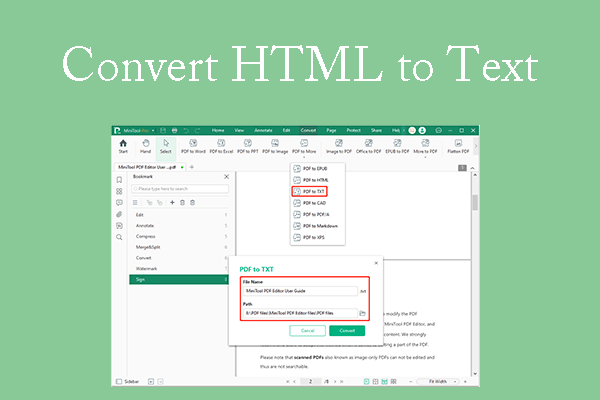
This post offers you 3 ways to convert HTML to text. You can extract text from HTML files and convert HTML files to TXT files.
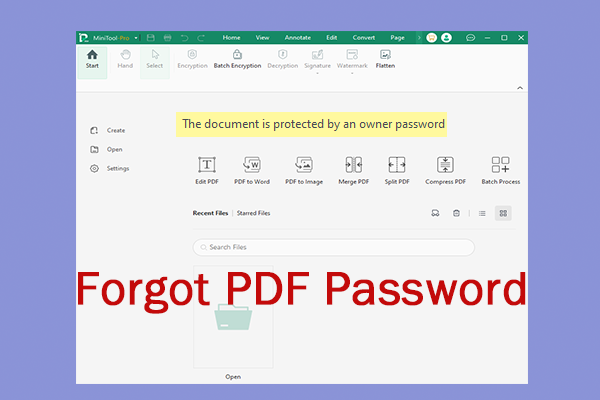
What if I forgot my PDF password? If wonder about that, you can focus on this post. It lists what would do when you forgot PDF password.
How to duplicate a page in PDF? To help you duplicate pages in PDF documents, this post offers a complete tutorial on PDF duplicate pages.
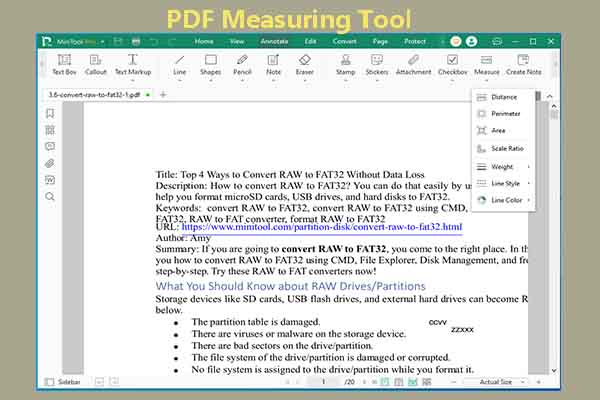
This post collects several PDF measuring tools for you. Based on your situation, pick one to measure items on your PDF documents now!