
Convert TXT to Excel: How to Execute the Conversion with Ease
This post discusses how to convert TXT to Excel. If you are considering running this file conversion, you can keep an eye on this post.
By Yamila / Published
MiniTool PDF Editor is one of the best choice to create, edit, convert, sign and share PDF files. Learn the tips and tricks here to edit PDF files easily.
This post discusses how to convert TXT to Excel. If you are considering running this file conversion, you can keep an eye on this post.
Are you looking for ways to convert HTML to Excel? If so, this post is what you need. It will help finish the HTML to Excel conversion.
This post tells how to reverse PDF page order effectively. If you are curious about this topic, you can pay attention to this post.
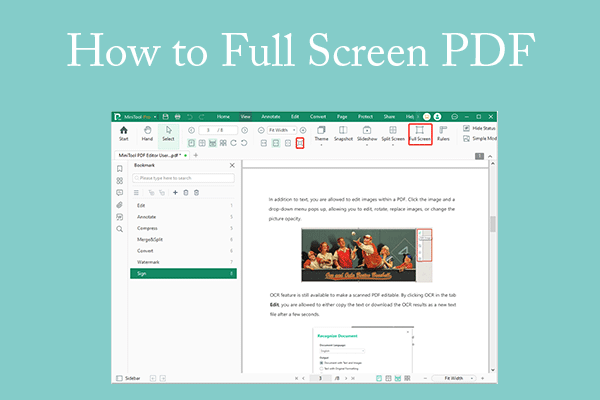
This post shows you how to present a PDF in full screen using MiniTool PDF Editor, Acrobat Reader, and browsers.
EPUB, MOBI, and PDF are 3 different types of document formats. You can learn the difference between EPUB, PDF, and MOBI in this article.
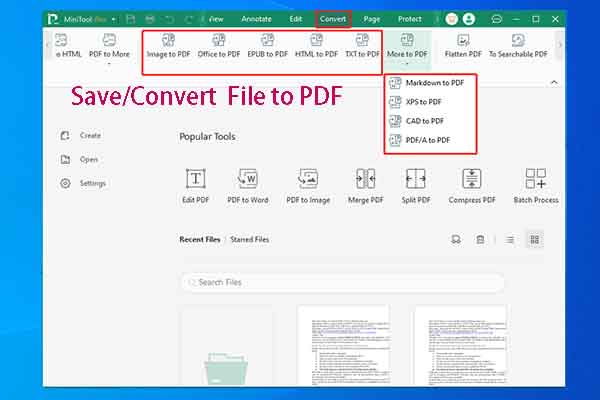
This post shows you how to save/convert file to PDF in 3 ways. Based on your preference, choose one method to convert file to PDF.
This post tells how to send PDF in WhatsApp in detail. If you are interested in this topic, you can pay attention to this post.
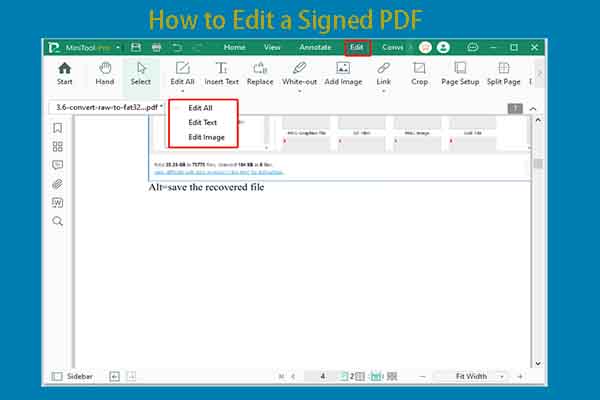
Why do you need to edit a signed PDF? How to edit a signed PDF? This post discusses these questions and reveals the answers.
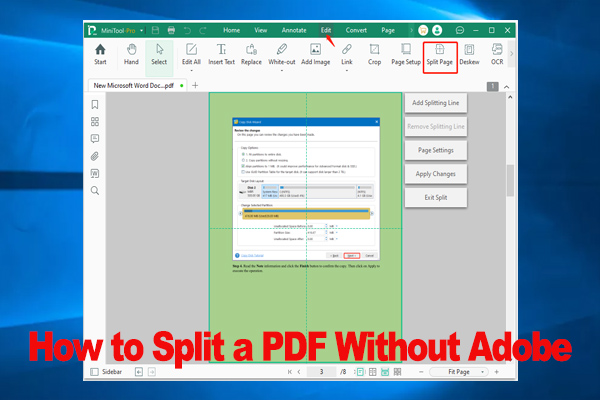
How to split a PDF without Adobe? If you are trying to figure it out, this post is what you need. It provides a full guide to split PDF pages without Adobe.
Is there a need for you to convert scanned PDF to Excel? Now, you come to the right place. This post introduced a professional scanned PDF to Excel converter.