
3 Top Approaches to Change Font Size in PDF on Windows 10/11
This post offers a step-by-step guide on how to change font size with MiniTool PDF Editor, Adobe Acrobat, and pdfFiller.
By Vega
This post offers a step-by-step guide on how to change font size with MiniTool PDF Editor, Adobe Acrobat, and pdfFiller.
![How to Highlight a Scanned PDF Easily? [Offline & Online]](https://images.minitool.com/pdf.minitool.com/images/uploads/2026/06/how-to-highlight-a-scanned-pdf-thumbnail.png)
This post offers a guide on how to highlight a scanned PDF with MiniTool PDF Editor, Adobe Acrobat, and an online tool.
This post introduces what a PDF portfolio is and shows how to create one with MiniTool PDF Editor and Adobe Acrobat.
This post introduces what redlining of contracts is and shows the detailed steps on how to redline a contract in PDF/Word.
This post analyzes whether you can redact a signed PDF and shows how to do that with MiniTool PDF Editor and Adobe Acrobat.
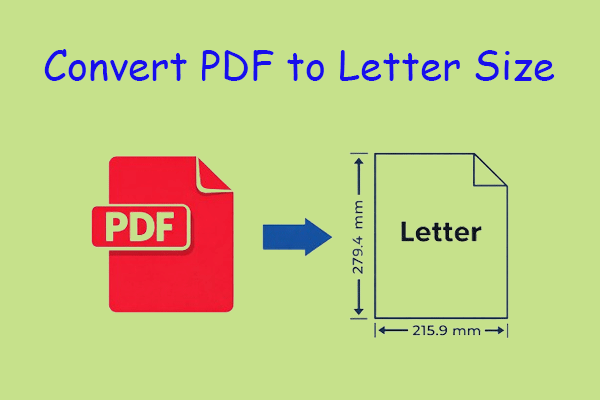
This post shows you how to convert PDF to letter size with MiniTool PDF Editor, Adobe Acrobat, and a web browser.
This post shows you how to add an email link to a PDF with MiniTool PDF Editor, Adobe Acrobat, and online tools.
This post shows you how to print multiple copies of a PDF on one page with MiniTool PDF Editor and Adobe Acrobat.
Learn how to insert a photo in a resume using MiniTool PDF Editor and Microsoft Word, and when to include a photo.
This post shows you how to enlarge a PDF for printing with MiniTool PDF Editor, Adobe Acrobat, and Google Chrome.
This post shows you how to increase PDF brightness using Konfuzio PDF Tool, i2PDF, MiniTool PDF Editor, and Adobe Acrobat.
This post shows you how to link to a specific page in a PDF with MiniTool PDF Editor, Adobe Acrobat, and Soda PDF.